22 Oct 2024
By Frank Faruk Ceviz frankfaruksampling.site
If you're working on a sample library using Decent Sampler and need to control whether certain groups of samples are enabled or disabled dynamically, using tags to toggle groups can be an effective solution. In this guide, we'll go over how to create a button that toggles a group on and off by using tags, providing a clear and straightforward implementation.
In Decent Sampler, a group is essentially a collection of samples that can be controlled collectively. To enable or disable a group dynamically, you can use a tag to identify that group and a button to control it. Here's how you can set up your group:
<group name="Slap Noise" seqMode="always" volume="-18dB" tags="slap" enabled="0"> |
In this example, we have a group called "Slap Noise" with a tag attribute set to slap. The enabled="0" attribute means the group is initially disabled.
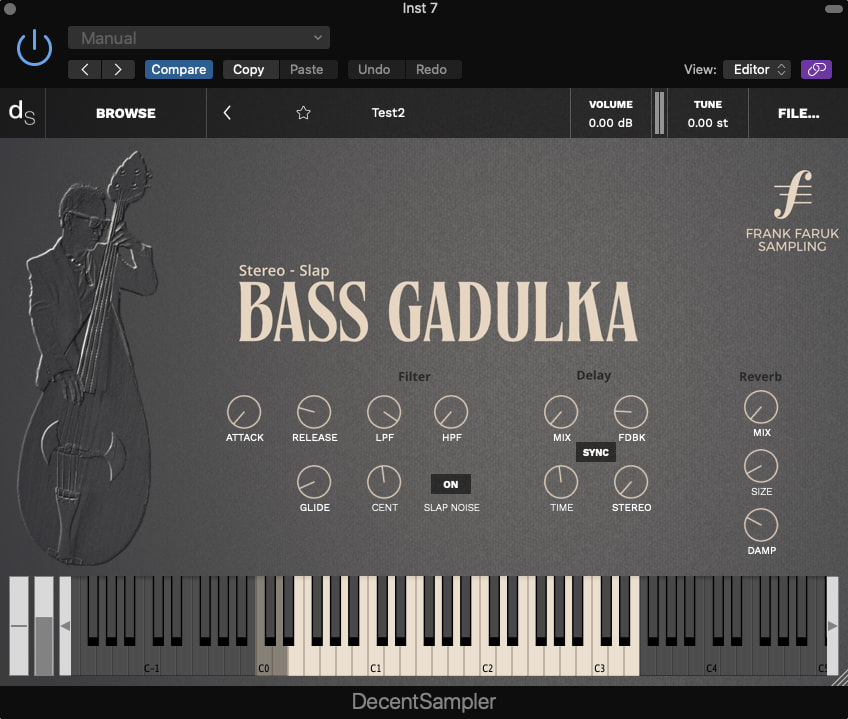
The above example shows the Slap Noise group's on/off button.
Next, you'll need to create a button that will toggle the group on and off using the tags attribute. Here's the XML code for the button:
<button x="426.0" y="327" width="40" height="20" value="0" defaultValue="0" style="text" parameterName="Octave"> |
The button has two states: SLAP OFF and SLAP ON. Each state has a binding that controls the group with the tag slap. When the button is in the SLAP OFF state, it sets the group's ENABLED parameter to false, disabling the group. When in the SLAP ON state, it sets the ENABLED parameter to true, enabling the group.
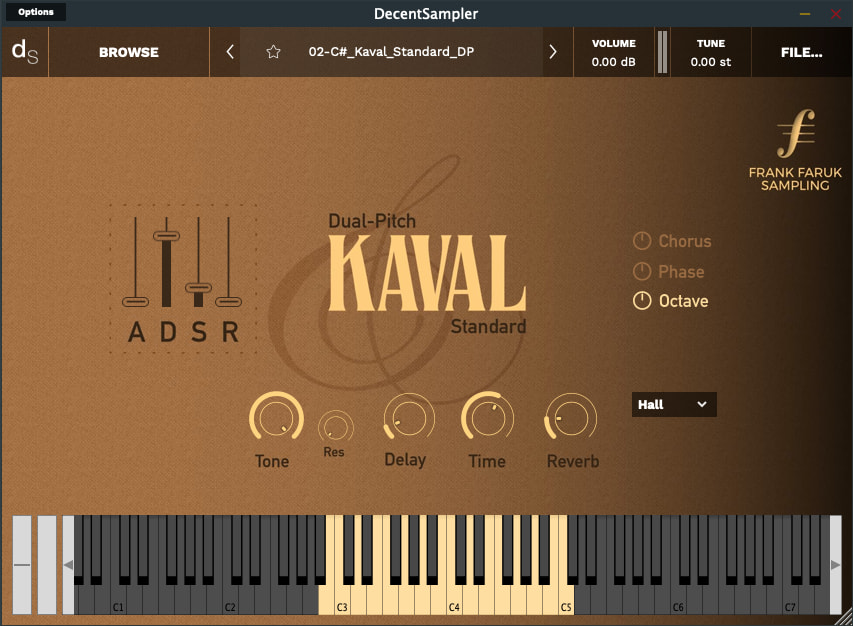
The above example shows the Chrorus, Phase and Octave group's on/off button.
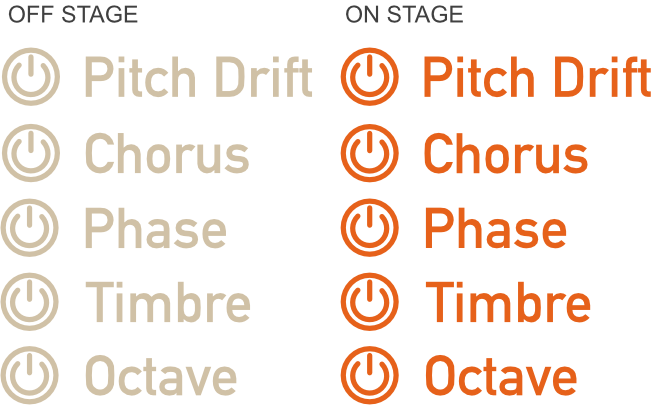
Utilize a graphic design program to create separate on and off PNG button images for each function. Ensure each button is exported as an individual file.
To create custom on/off buttons in graphic design software, you can start by designing two distinct visual states that represent the "on" and "off" conditions. Tools like Adobe Photoshop, GIMP, or Canva are great for this. Design two PNG images: one for the "On" state and one for the "Off" state. These images should ideally have different colors or icons to clearly show which state the button is in. Once created, you can use these images in your XML code as demonstrated in the example for toggling the "Chorus" effect.
<button x="630" y="154" width="102" height="20" style="image" parameterName="Chorus" value="0"> |
This button uses custom images for the on and off states, providing a more engaging and visually distinct interface for your users.
By combining the group and button elements, you now have a fully functional toggle that enables or disables the "Slap Noise" group. This approach is ideal for giving the user control over different layers or effects in your Decent Sampler patch without needing complex scripting.
Using tags for toggling groups in Decent Sampler is a clean way to manage dynamic sound layers, providing flexibility to both the developer and the end user.